


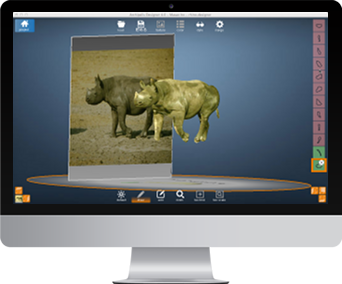
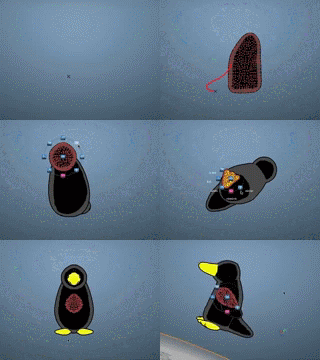
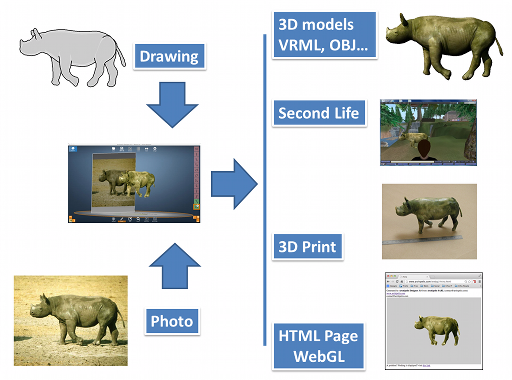
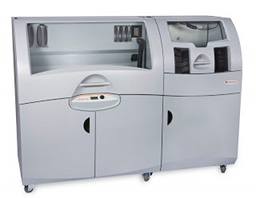
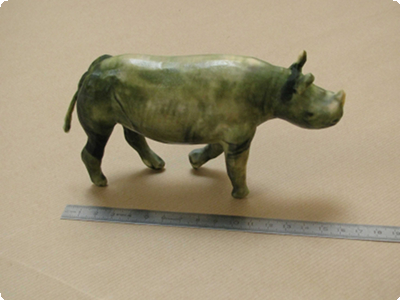
Archipelis Designer (on Windows or Mac) takes a different approach to creating 3D models by simply drawing its shape! Just draw the contour of the various shapes of the model (for example: the head, the body, the legs) and Archipelis Designer automatically merges them and applies textures. It is also possible to use a picture or photo as a background and follow the contours on it.
Thus, very simply and in about ten minutes, it is possible to create realistic organic models and to export them in widespread 3D formats like VRML, 3DS Max, DirectX and moreover Second Life.
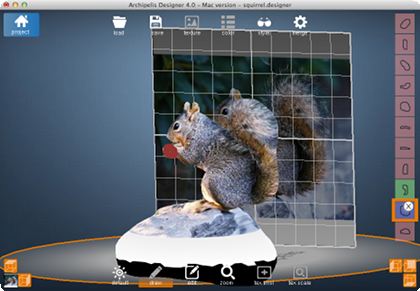
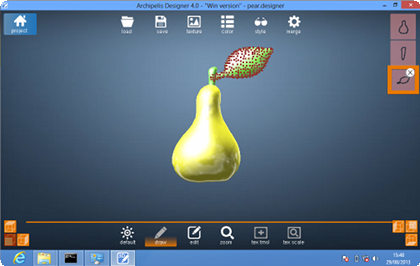

| Use of the tool | |
|---|---|
| Graphic User Interface | brand new GUI, totally reworked |
| Second life and virtual worlds | |
| Sculpted Prims export | yes, improved texture quality |
| Animation in SL | yes, thanks to Fred Beckhusen's in-world module |
| Collada (DAE) | yes, this format is now supported for exports |
| 3D print service | |
| 3D print feature | yes, the model can be uploaded to our partner Shapeways to be printed. |
| Export capabilities | |
| export to various formats | yes, OBJ, VRML, 3DS, X3D, Collada DAE, Project Dogwaffle/Howler, HTML5, with WebGL, STL, OFF, C with OpenGL code... Note: direct Sketchup export is no more supported (.obj could be used instead). |
| 3D-printing | yes, on-line integration with a 3D-printing service (powered by Shapeways) |
| Modeling | |
| Shape management | yes using 3D manipulators |
| modeling with images | yes, up to 6 (cube faces) |
| improved accuracy | yes |
| improved speed | yes |
| boolean operations | intersection/differences are supported between shapes |
| Multi-resolution | yes (automatically set when modeling) |
| Emboss effect | yes |
| Texturing | |
| Texture management | yes, ability to scale/translate and generate/reuse textures |
| Visualization | |
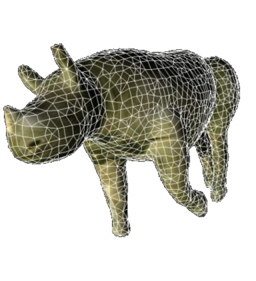
| Rendering styles | yes, some rendering styles are available like wireframe, envmap, cartoon... |
| 3D anaglyphic visualization | supported (red and blue glasses are required) |
Windows System requirement:

Apple MacOS System requirement:
